




How to play
A round has these 5 steps. Tap a step to jump to that scene.


 The crew
The crew
The crew
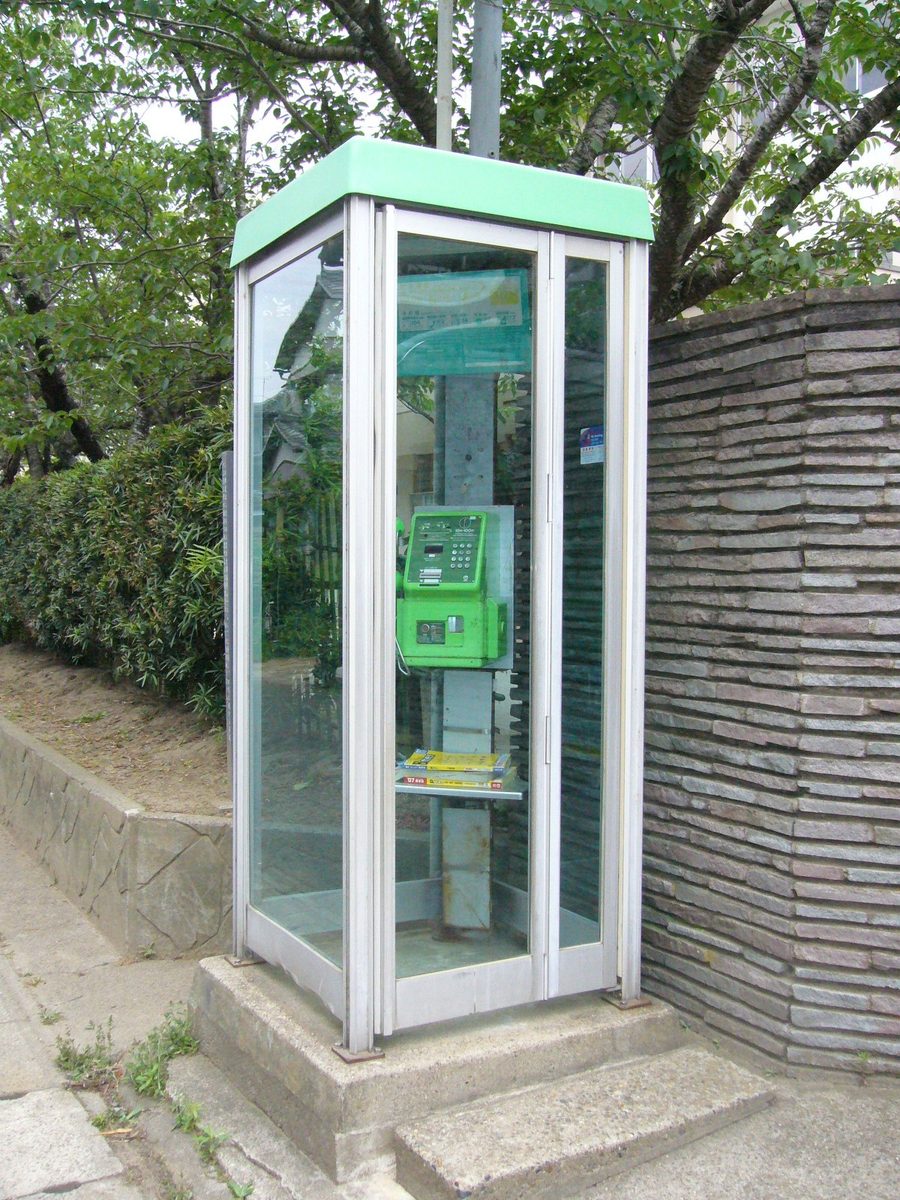
 Mia21:441st


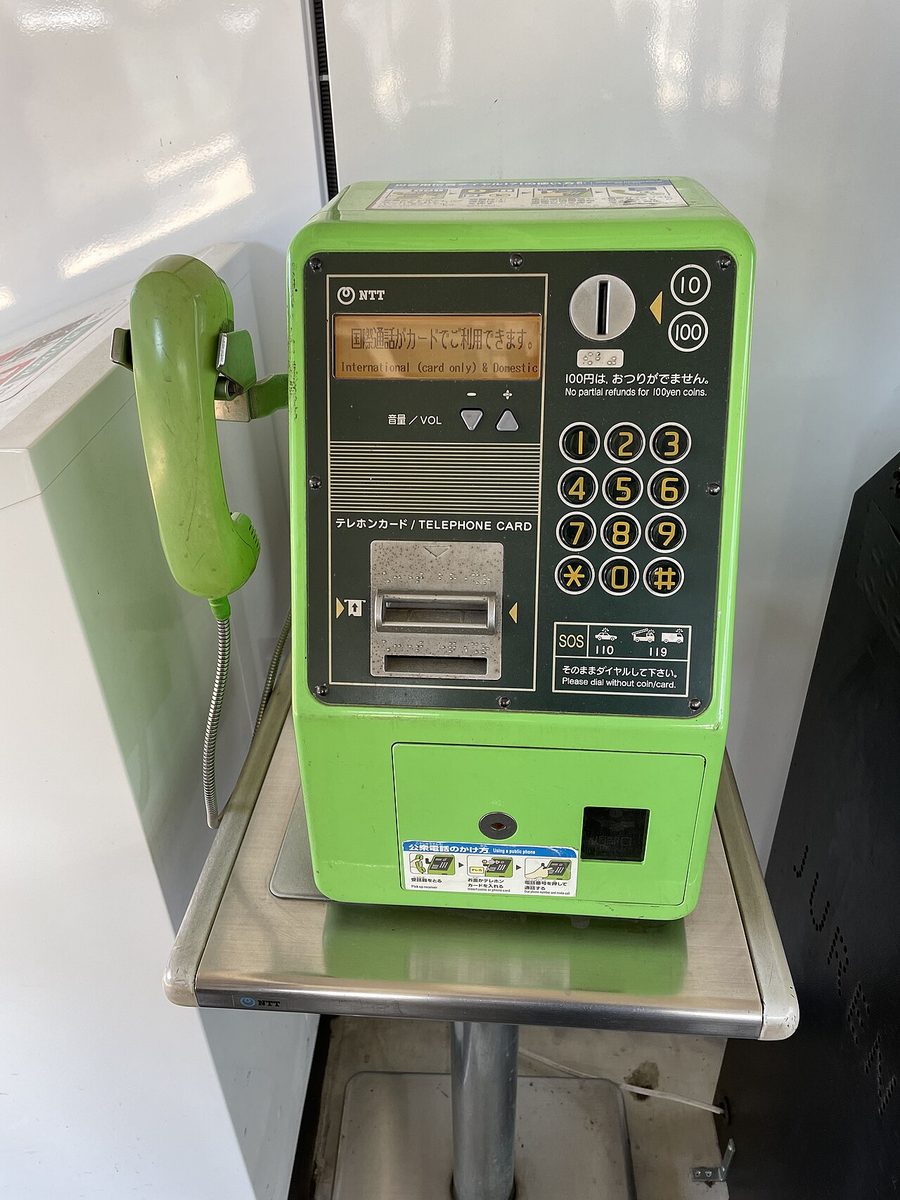 Ken21:462nd
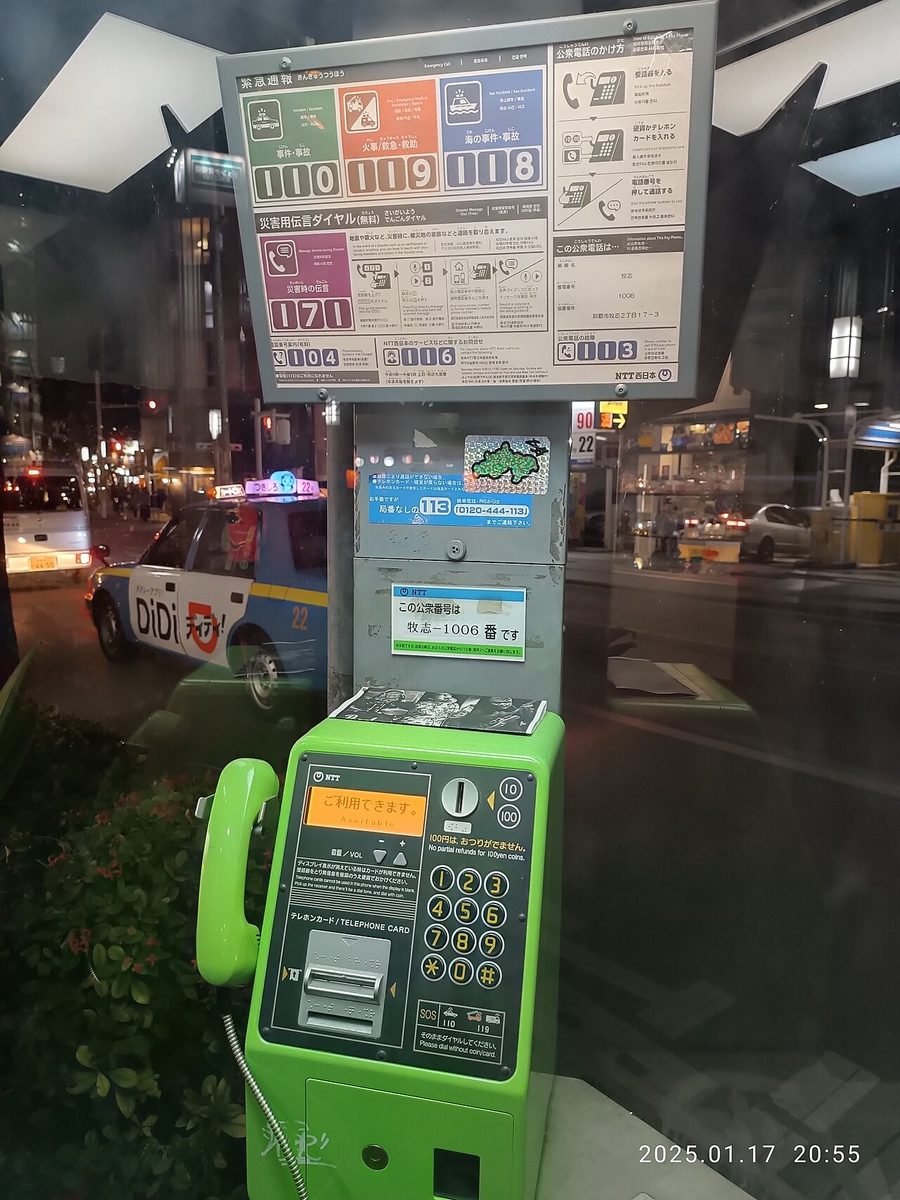 Leo21:513rdMiaBy the station!0:421stKenThe green one3:102ndLeoStill around7:553rd
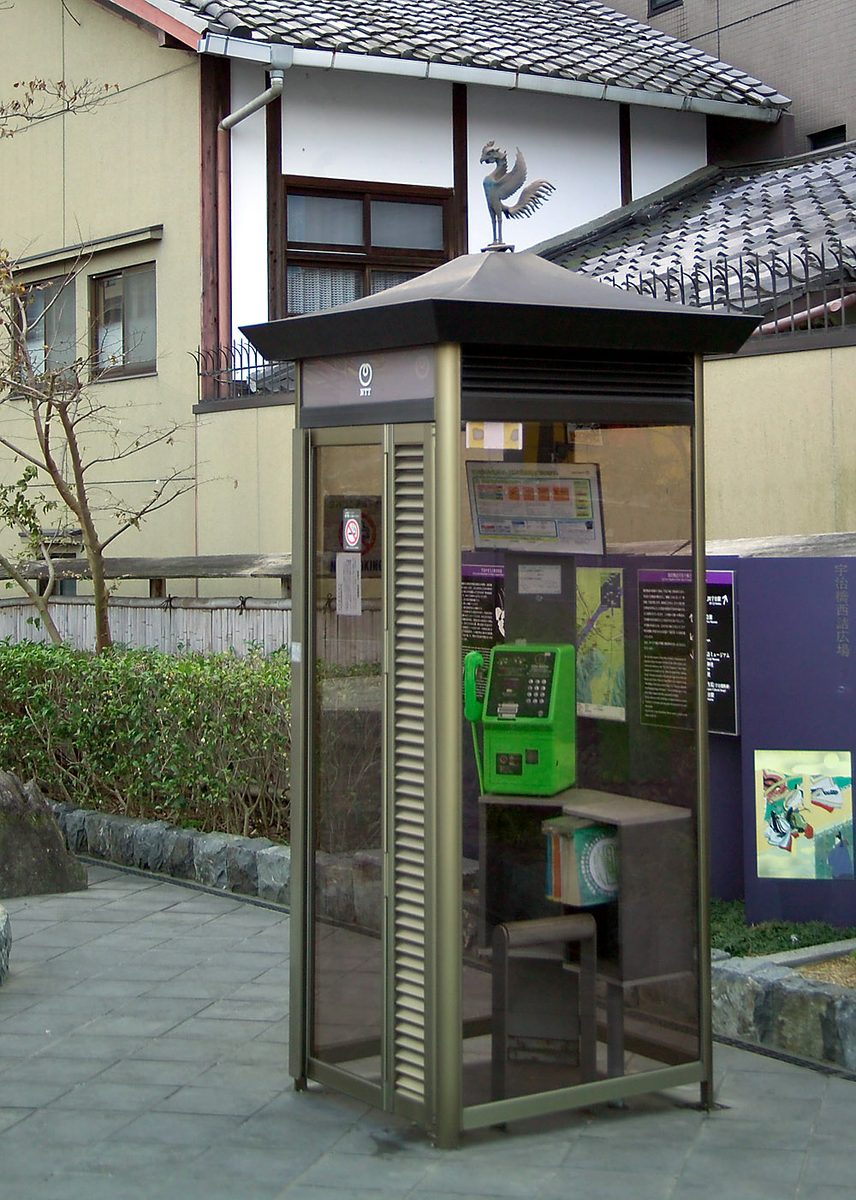 SamTile roof!12:044th
- 1
Flip
When someone in the group flips a card, the round begins.
- 2
Decide
Only the person who flipped can see the challenge. Don't like it? Flick to redraw, up to 3 times. The moment they hit “Confirm”, everyone gets the same challenge.
- 3
Shoot
Answer with a photo or video within the time limit. With “Dual”, you can even shoot with the front and back cameras at once. Who has shot stays hidden until the end; you only see how many.
- 4
Get ranked
Your rank depends on how fast you shoot after the challenge is confirmed, and clips stack up in the Log. You can add reactions to clips.
- 5
Come together
When the round ends, everyone's clips become a single “Recap” video.
Challenges, and everyone's answers
Search, walk, find it, shoot it. Challenges that don't end in a second.


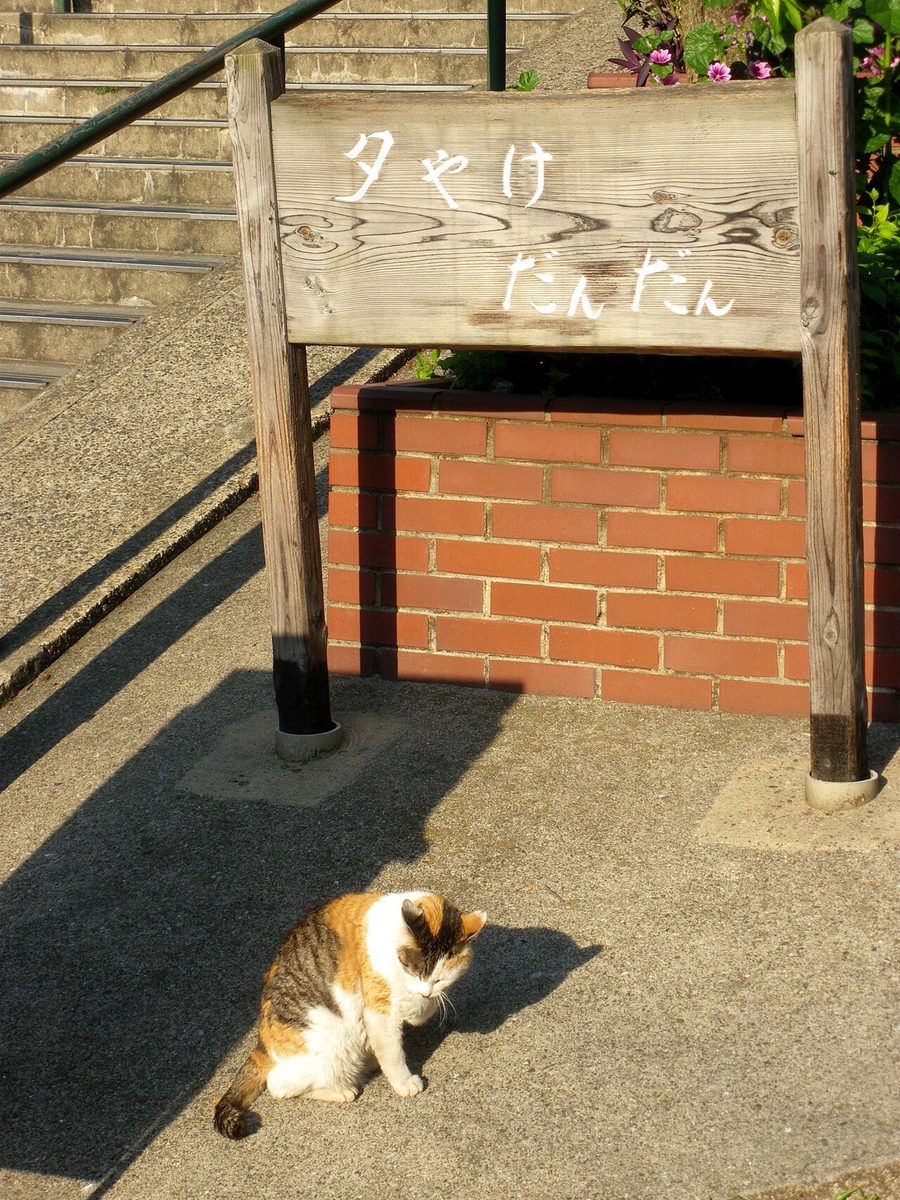
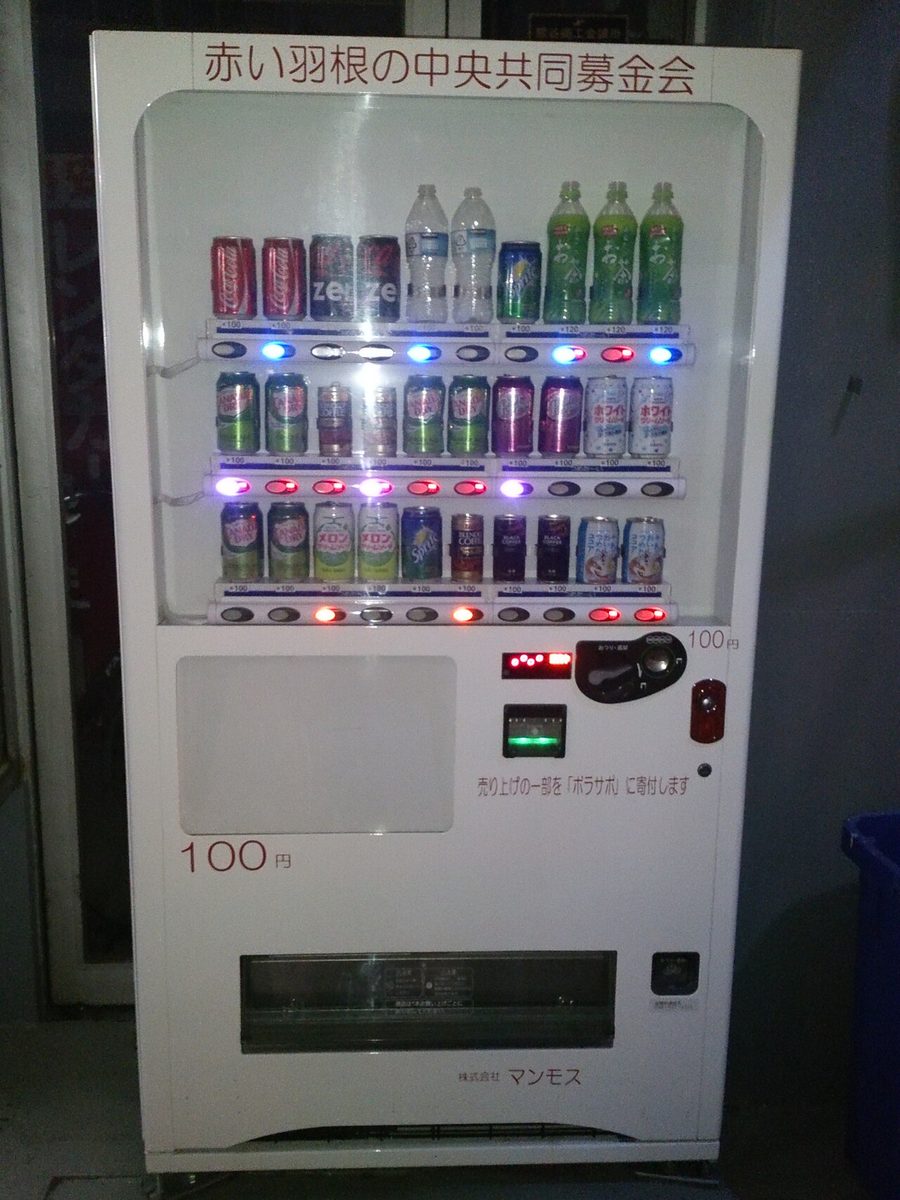

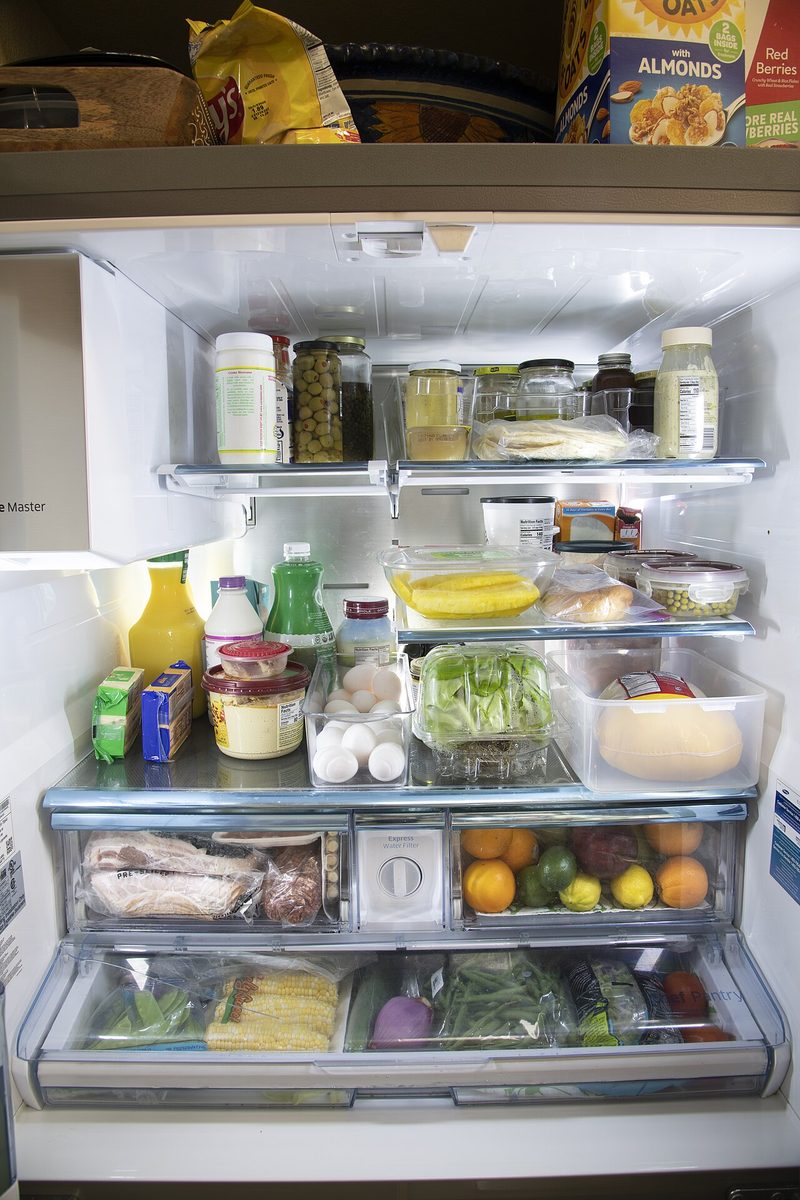
Two ways to show the challenge: card and sticky note
Switch to whichever you like on the camera screen.
 The crew
The crew
The crew
Make your recap a keeper
When the round ends, shape the recap video however you like and save it to your camera roll.
MiaBy the station!0:421stKenThe green one3:102ndLeoStill around7:553rdSamTile roof!12:044thNow: Portrait 9:16 · Default
- 8 layoutsDefault · Grid · Top focus · Bottom focus · 2 columns · Side by side · Stacked · Overlap
- 9 ratios9:16 · 1:1 · 4:5 · 3:4 · 2:3 · 16:9 · 3:2 · 4:3 · 5:4
- Challenge titlePill · Card · Card text · Text only · Banner · Tag
- DatePlain · Weekday · Numeric · Stamp · Calendar
- FilterNormal · Warm · Cool · Dark · Bright
- Stickers and textGIF stickers, stamps, and any text you like
- SaveTo your camera roll. You can also join several rounds into one video and save that
Photo clips and video clips, all together. With “Default”, clips are laid out just as they were shot, without cropping.
Make it yours
Choose from 66 themes.
Features
Community challenges
Add challenge “packs” and play. Packs you make can be shared with friends using a share code.

Create a challenge
Write challenges just for your crew. You can also note where to play them and roughly how many minutes they take.

Chat
Group chat, plus one-on-one chats with people in the same group. Quote clips from the Log as you talk.

Reactions
Like, Haha, Nice, Didn't see that coming… Add 15 kinds of reactions to everyone's clips.

Captions
Add a short caption to the clip you send. It shows up in the recap video too.

Round history
Look back at past rounds by date from the history in the Log.
No sign-up
No email or phone number needed. An 8-character ID is created the moment you open the app, so you can play right away.
Switching phones is easy
Just get a transfer code, then enter your ID and the code on the new device. Your groups and Log stay just as they were.

Lots of groups
Family, your usual friends, your club. Join as many groups as you like and switch instantly with the pill at the top.
Built for peace of mind

- Only people in the same group can see clips. There's no public timeline.
- Up to 12 people per group. It's an app for playing with people you know.
- The gender and birthday asked at the start are never shown to group members.
- You can report or block anyone who bothers you. Neither is ever revealed to them.
- You can delete your account from the app at any time.
For details, see the Privacy Policy and Support.
FAQ
When can I use it?
It's still in the works. We'll announce the release date on this page.
How many people can play?
Up to 12 people per group. You can join multiple groups and switch between them instantly in the app.
Do I need to sign up?
No. No email or phone number: an 8-character ID is created the moment you open the app. We only ask your gender and birthday at the start, and group members can't see them.
What happens when I change phones?
Just get a transfer code on your old device, then enter your ID and the code on the new one. See Support for details.
Need help?
It's all in Support. For questions, contact support@ch33s3.app.
About the photos on this page
The photos in the screen samples are from Wikimedia Commons (the people, group names, and names are samples).
- Phone booth (Katori): katorisi, CC BY 2.5
- Pay phone at a station: Todoroki_6907, Public domain
- Pay phone at night (Naha): Naha Mama Pavilionz, CC0
- Phone booth (Uji): Fg2, Public domain
- Long shadow: Daniel Case, CC BY-SA 4.0
- Tokyo Tower from a window: Mikhail Pelevin, CC BY 4.0
- Vending machine: Nori Norisa, CC BY 2.0
- From the pedestrian bridge at Hakata Station: Hirho, CC BY-SA 4.0
- Inside a fridge: USDAgov, Public domain
- Sunset (Nantan): Spedi-sit, CC BY 4.0
- Cat in Yanaka: Kentin, CC BY-SA 3.0
- Ramen (Osaka): Joli Rumi, CC BY-SA 4.0


.jpg)


.jpg)


Photos are cropped to fit the screen.